Welcome to FrenschPress
FrenschPress is your compact controller for theatre, shows and live events: three mechanical buttons, an encoder and connections to your show systems.
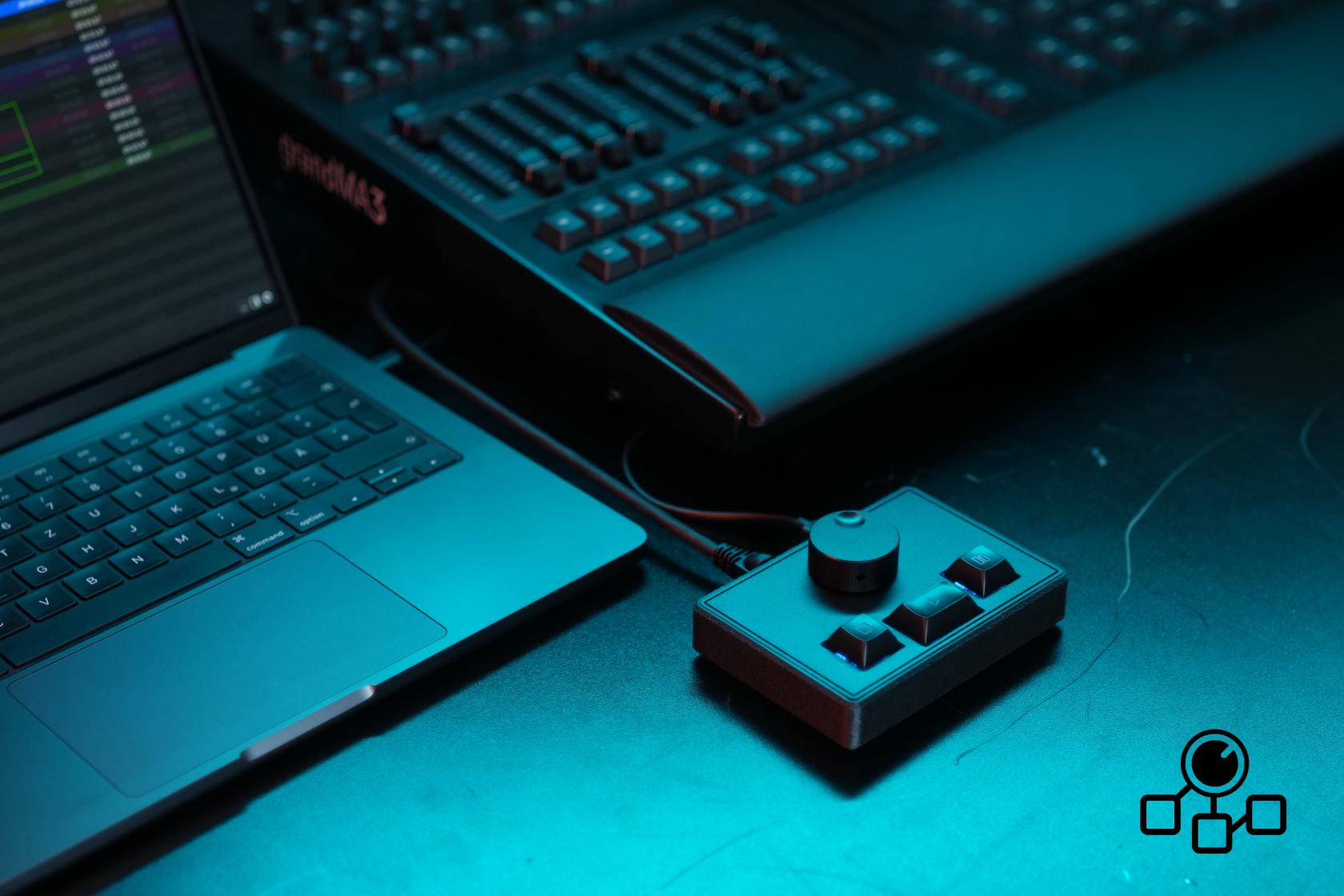
Over USB, FrenschPress works as a MIDI device without additional drivers. For network commands, connect it to your show network. To operate without a computer, power it through USB-C with a stable 5 V / 1 A supply. Your saved configuration remains after power-off.
The name comes from Konrad Frensch. The device has little to do with coffee — although we do enjoy it.
Getting started
- Connect the device.
- For configuration, open the web interface over Ethernet or the access point.
- Create your account and get to know the web interface.
- Choose and configure your mode on Device Mode.
- Test your assignments and keep a backup.
What you can do
| Task | Feature |
|---|---|
| Control QLab | QLab mode over MSC or OSC, with optional backup destination and LED feedback |
| Trigger custom sequences | Custom Mode, three button sets, presets and multi-step macros |
| Connect devices | MIDI, OSC, HTTP, TCP, Art-Net and sACN; targets and plugins simplify setup |
| Send MIDI over the network | RTP-MIDI, including automatically reconnecting peers |
| Store lighting looks | Snapshots, fades and encoder master fader |
| Work with timecode | MTC master, USB/Art-Net bridge and LTC; timeline for timed macros |
| Add more controls | Stream Deck with images, feedback, variables, pages, layouts and on-deck tools |
| Operate Companion | Satellite mode, optionally with a separate deck surface |
| Control from other software | Companion module, grandMA3 plugin and OSC control |
| Control presentations | HID Mode as a keyboard and mouse |
| Configure over USB | USB Network |
| Maintain your setup | Storage management, backup and firmware updates |
The web interface
The sidebar takes you directly to Settings, Device Mode, Streamdeck, Timeline, Network Targets and Plugins. On a phone, Home and the navigation drawer provide access to the controls. This manual uses current screenshots and the English labels shown in the web interface.