What's in the box & the device
What comes in the box and where everything sits on the FrenschPress. The names of the controls and ports below are the ones used in the web interface and throughout this manual.
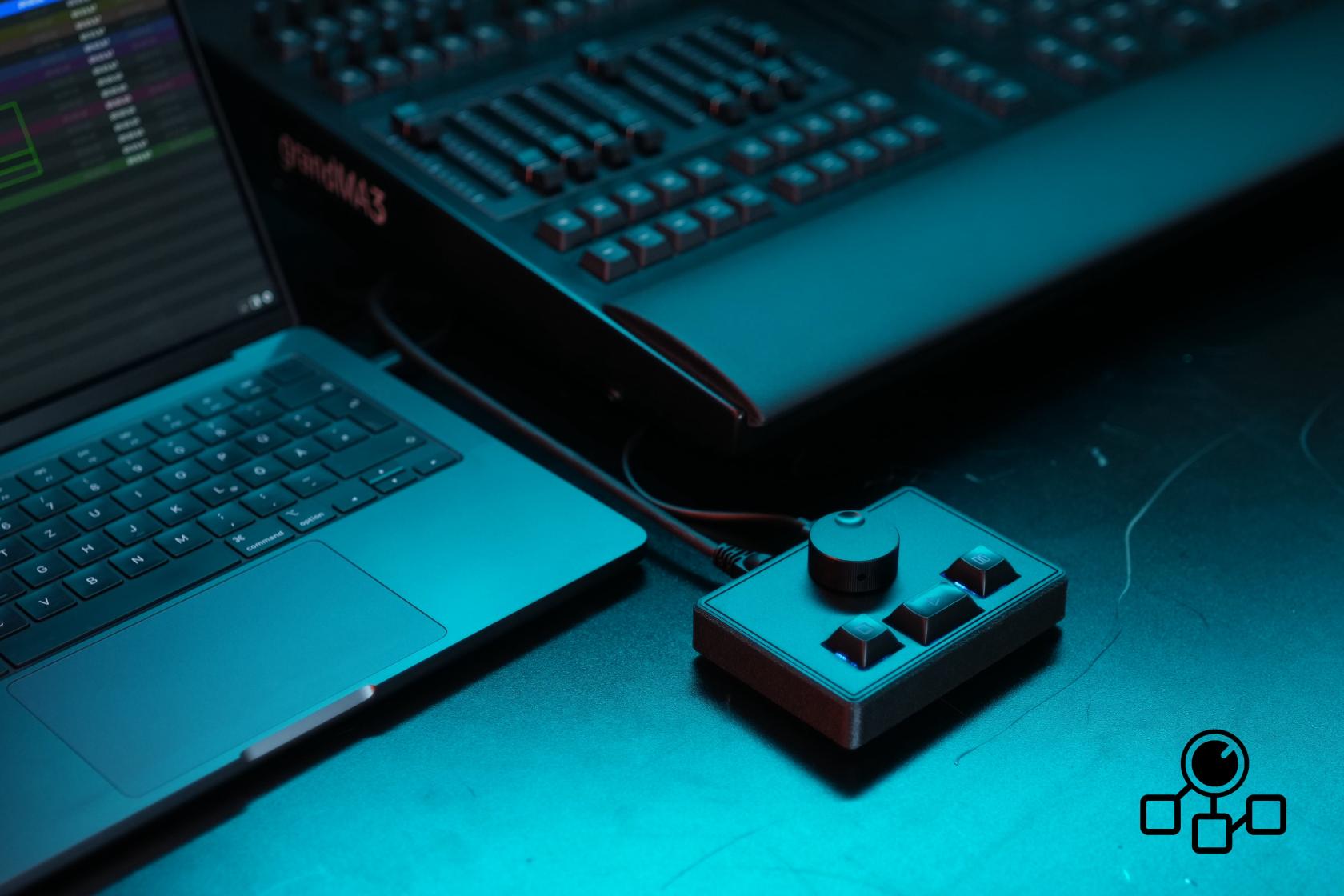
What's in the box
- FrenschPress
- USB-C to USB-C cable
- EVA hard-shell case
A power supply is not included. For operation without a computer we recommend a stable power supply rated 5 V / 1 A.
Controls
The top has one encoder and three buttons: from left to right STOP, GO and PAUSE.
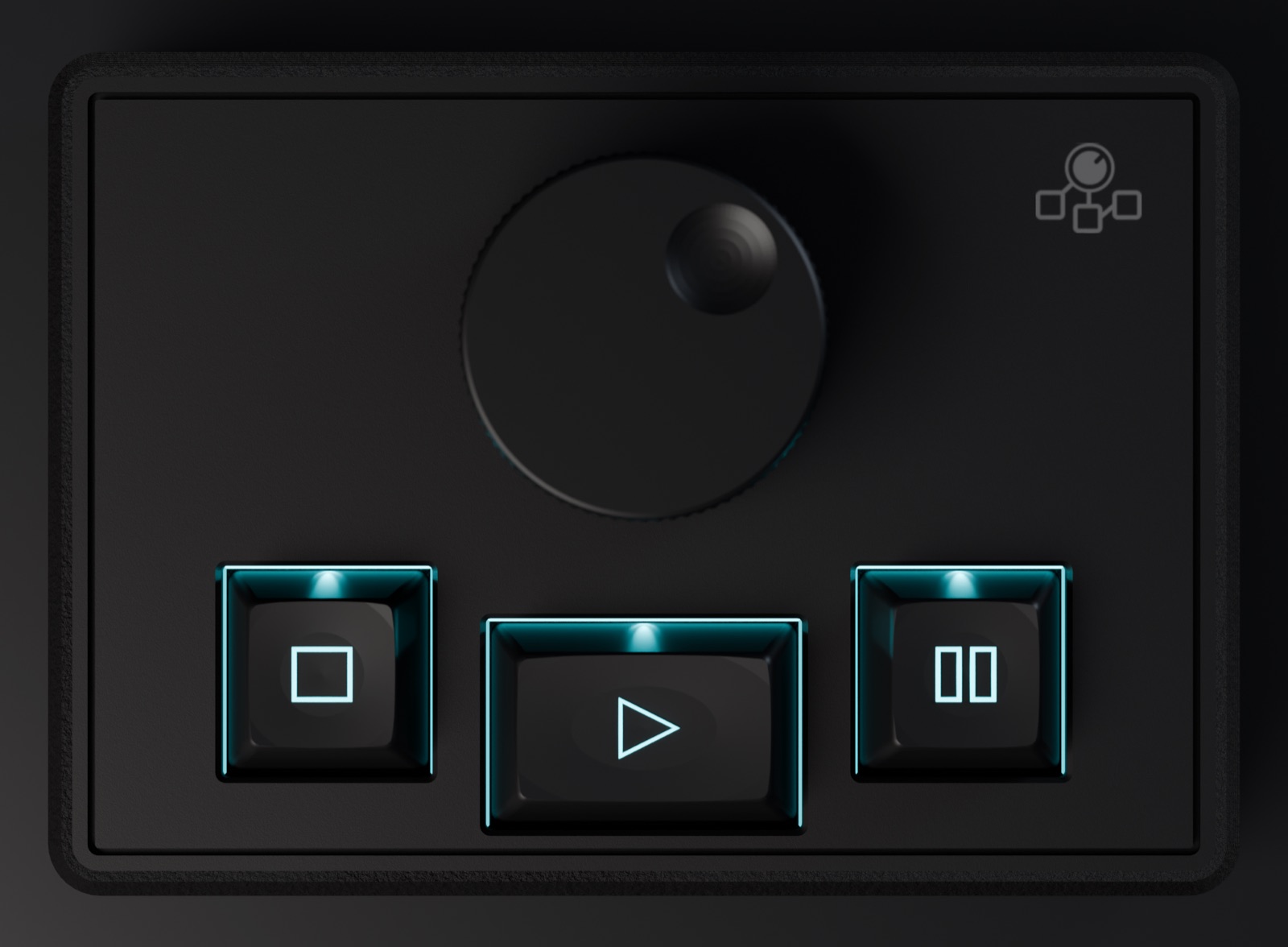
| Control | Action | Name in the web interface |
|---|---|---|
| Encoder (32 mm) | turn left | < LEFT |
| turn right | RIGHT > | |
| press | PUSH | |
| hold down and turn | PUSH + LEFT, PUSH + RIGHT | |
| Three buttons with RGB LED | press | STOP, GO, PAUSE |
What the controls trigger depends on the selected mode; see Device Mode. The LED colour shows the mode: white in QLab Mode, gold, cyan or magenta for Set A, B or C in Custom Mode, and flashing red in Companion Mode while no Companion host is connected.
Some functions are available directly on the device through button combinations, for example switching mode, brightness or lock.
Ports
There are three ports on the back: two USB-C sockets and the Ethernet socket. USB 1 is the inner USB-C socket next to RJ45, USB 2 the outer one.
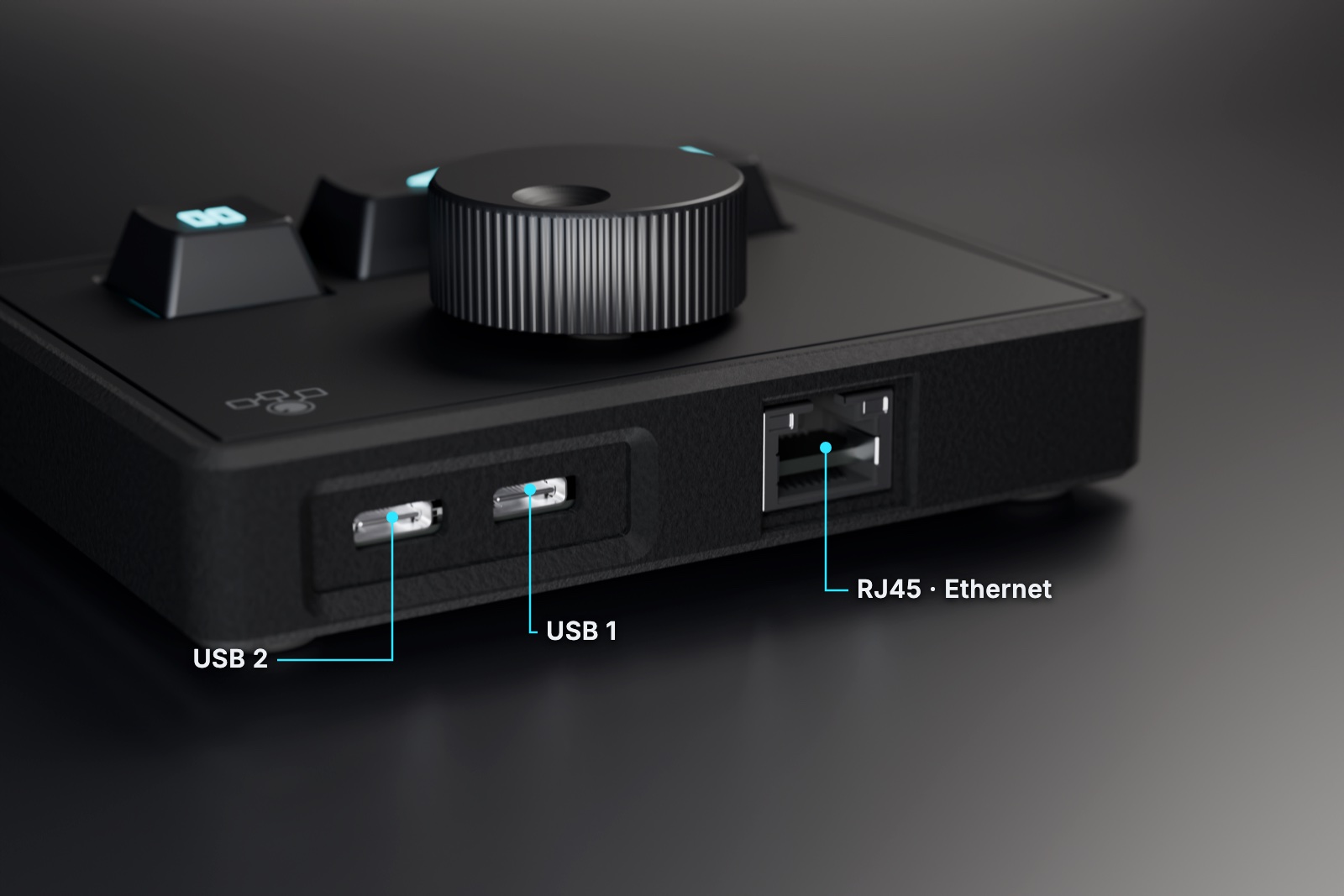
| Port | Used for |
|---|---|
| USB 1 (USB-C, inner) | Computer: MIDI and power |
| USB 2 (USB-C, outer) | Second computer (backup), HID, or USB host for a Stream Deck or LTC dongle |
| RJ45 | Ethernet to the show network |
Roles, protocols and limitations are covered under Connections and Interfaces. How to cable the device is described under Connecting the device. All dimensions and figures are in the Technical Specifications.