Tools Menu
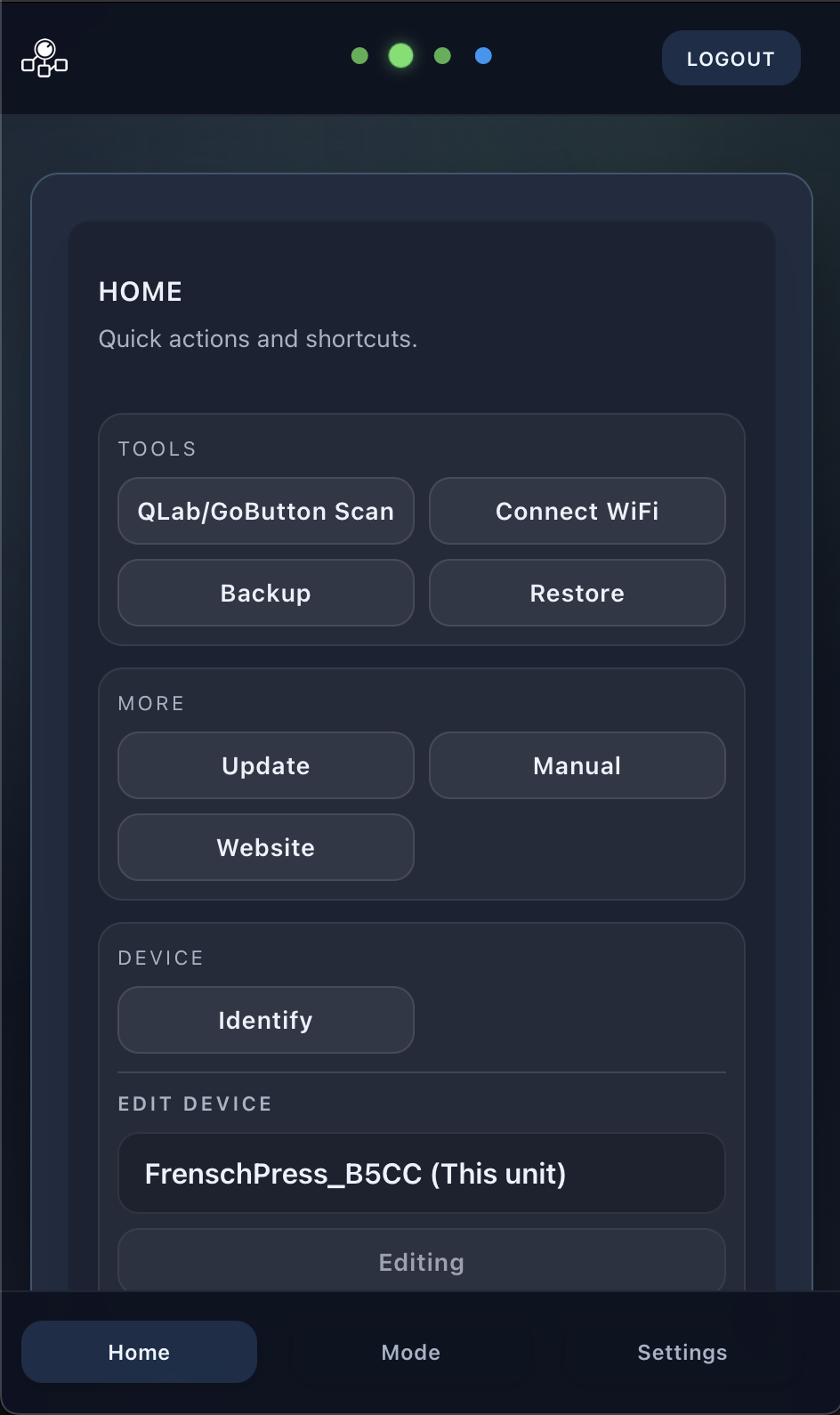
In the top right area next to the logo, there is the Tools button, which opens a submenu containing shortcuts for frequently used functions. You can scan for QLab hosts on the network, access shortcuts for Backup/Restore, Plugin and Targets Management, as well as links to the website and this manual. The Control section includes shortcuts to the OSC port settings and the OSC dictionary. When multiple FrenschPress devices are connected to the same network, you can select which controller to edit from this menu.
- QLab Host Scan – Automatically searches for QLab/GoButton hosts on the network
- Backup / Restore – Save or restore device configuration
- OSC Port – Opens the settings for the OSC port on which the FrenschPress receives OSC commands
- OSC Info – Opens the OSC command reference
- Plugin Management – Install, uninstall, and update plugins
- Targets Management – Add and configure network targets
- Device Selection – Switch between multiple FrenschPress devices on the same network
- Identify – Triggers a colour sequence on the device buttons to identify it when multiple units are in use
- Factory Reset – Resets the device to factory defaults (equivalent to the button combination). A confirmation dialog prevents accidental use. This clears all settings, targets, plugins, macros and timelines and the Stream Deck key images stored on the USB 2 board.
- Links – Website and manual
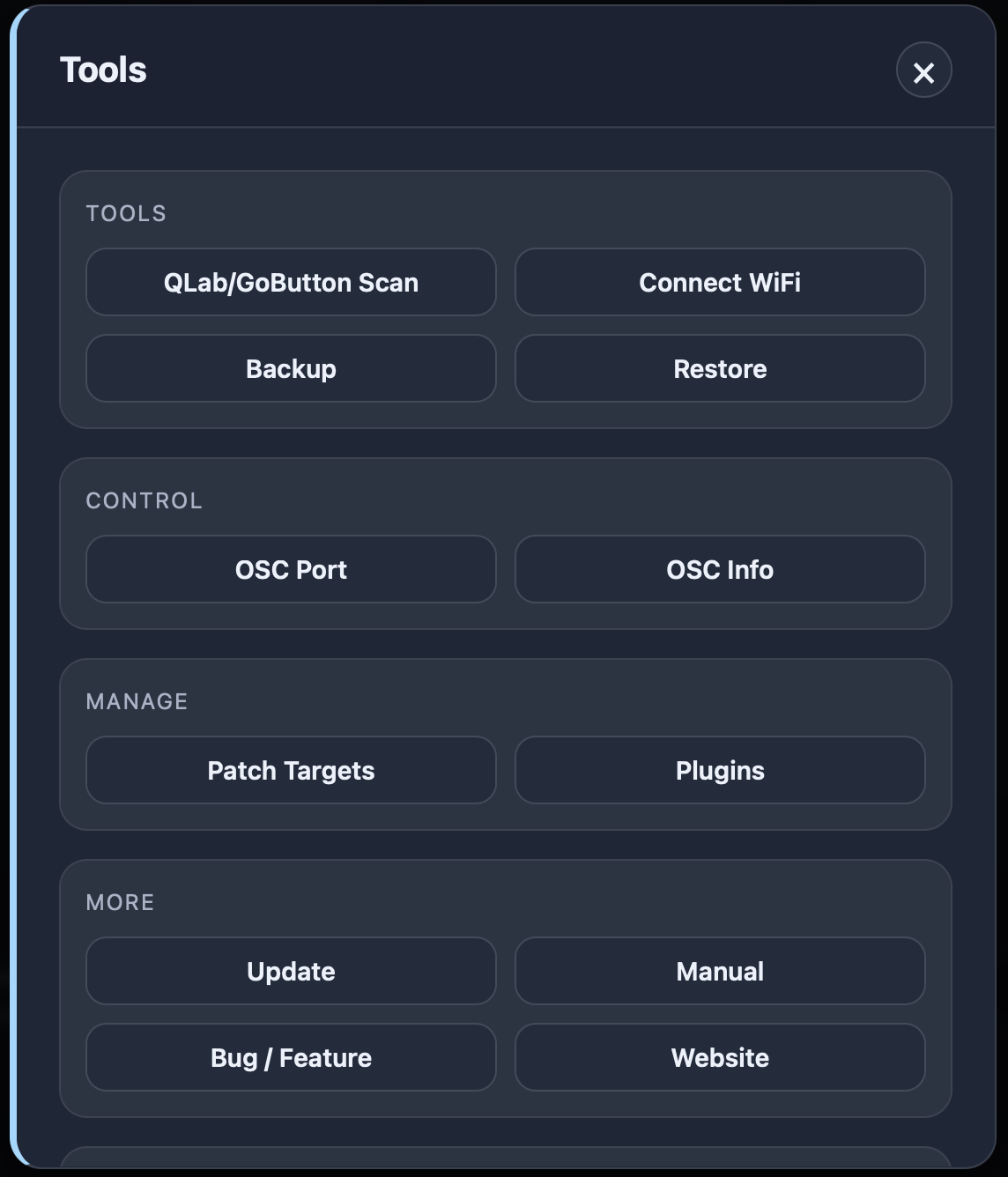
On mobile devices, this menu is located in the HOME tab: