Art-Net Timecode
Art-Net Timecode is enabled in the settings area. The FrenschPress handles MTC bidirectionally:
- MTC Master: while an MTC master macro runs, timecode is output on USB 1, USB 2 and Art-Net (Art-Net 4, OpCode
0x9700) at the same time. - Art-Net Bridge: timecode from an external Art-Net TC sender is received and distributed to both USB ports (and optionally to further Art-Net receivers).
- USB Bridge: incoming MTC on USB 1 is forwarded to USB 2 (and vice versa), optionally also as Art-Net.

| Setting | Description |
|---|---|
| Enable Art-Net Timecode | Turns the whole Art-Net TC feature on/off. When disabled, no TC packets are received or sent. |
| Advanced… | Opens the advanced panel with live diagnostics, quick tuning profiles and transport settings. |
Advanced panel
The advanced panel (click Advanced…) holds all further settings plus live diagnostics.
Health monitor
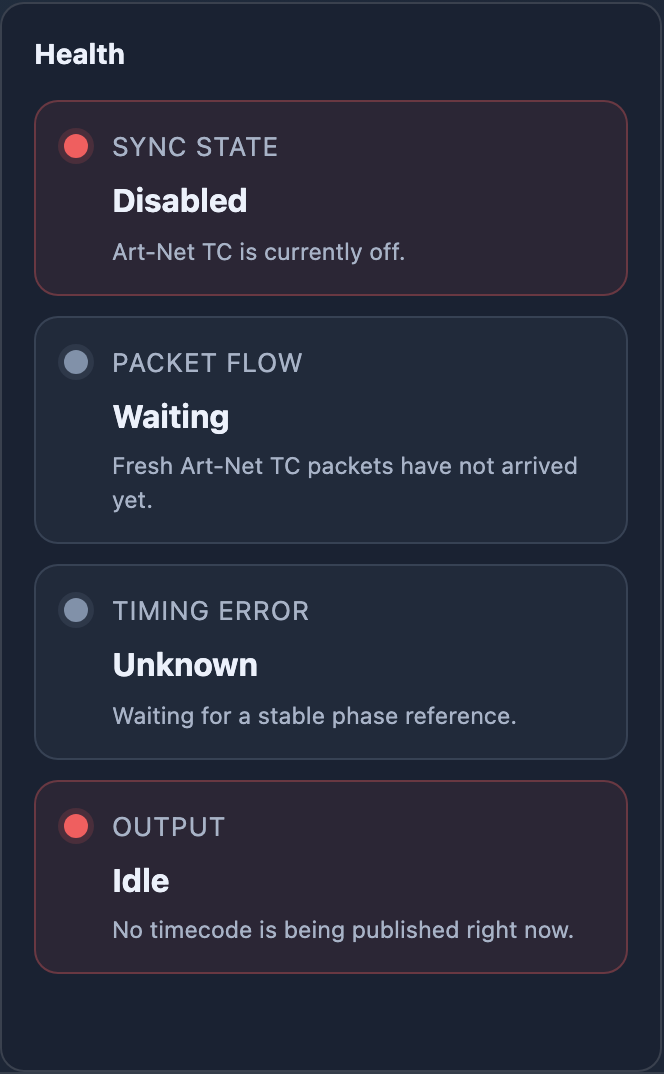
Four status indicators at the top of the panel update live:
| Indicator | Description |
|---|---|
| Sync State | Current synchronisation state: idle, locking, locked or holdover |
| Packet Flow | Freshness of incoming Art-Net TC packets |
| Timing Error | Quality of the phase correction — how closely the local clock follows the incoming signal |
| Output | Whether TC output is currently being published |
Quick tuning
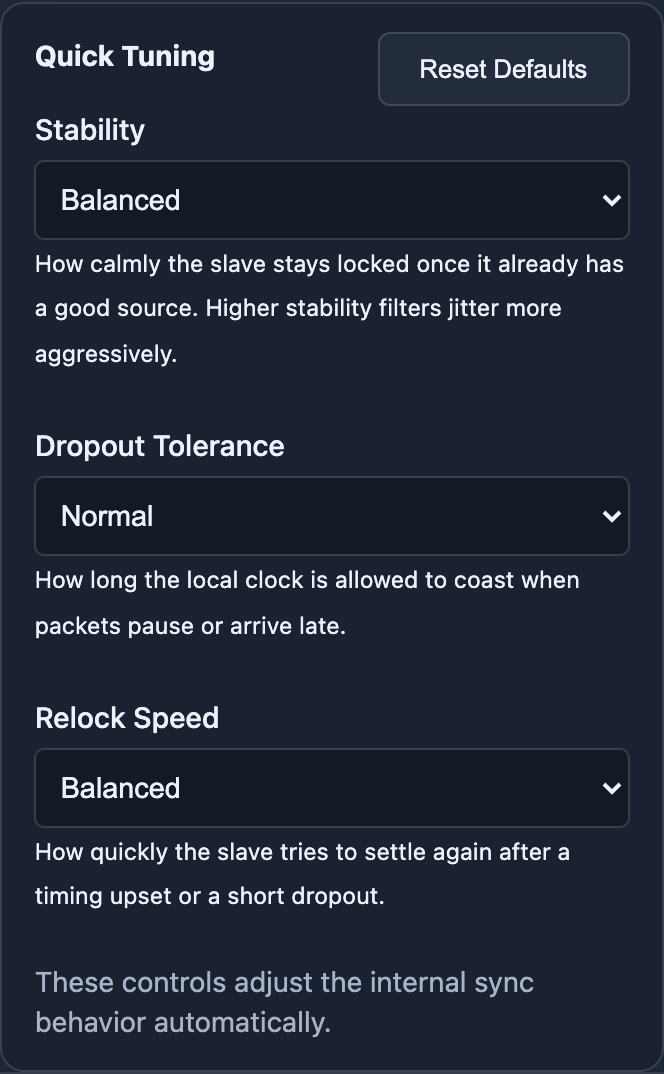
Three dropdowns adjust the sync behaviour without touching individual parameters:
| Setting | Options | Description |
|---|---|---|
| Stability | Balanced / Very Stable / More Responsive | How steadily the slave stays locked while the source is stable. Higher stability filters jitter harder. |
| Dropout Tolerance | Normal / Short / Extended | How long the local clock keeps running when packets are missing or late. |
| Relock Speed | Balanced / Gentle / Fast | How quickly the slave relocks after a dropout or timing jump. |
Transport & routing
| Setting | Description |
|---|---|
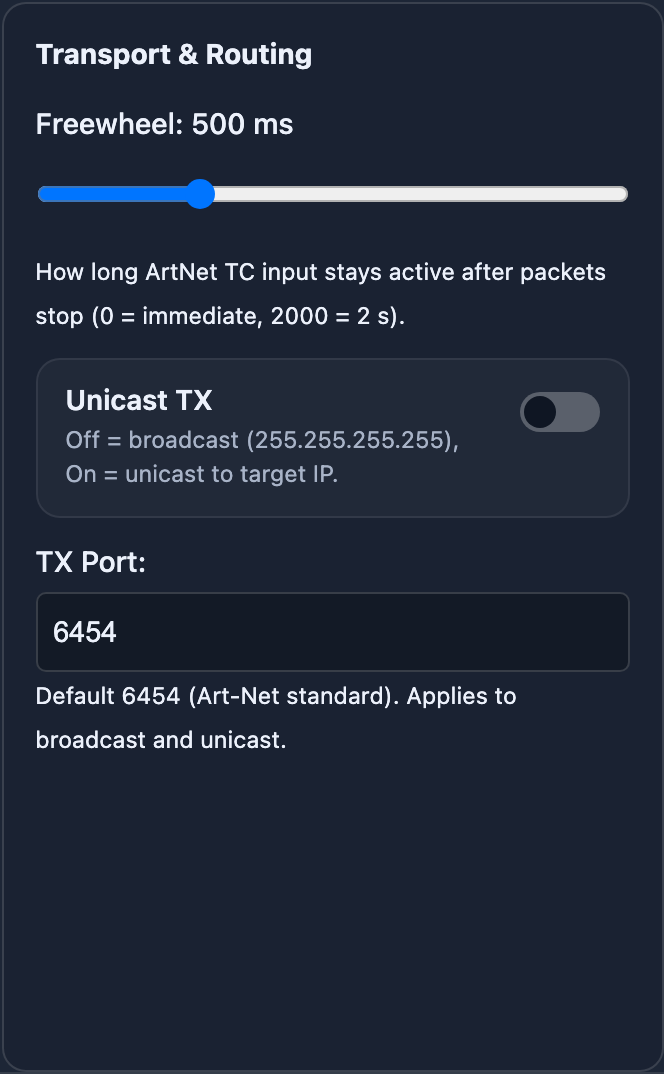
| Freewheel | Time in ms (0–2000 ms) after which missing Art-Net TC counts as lost. 0 = immediate, default 500 ms. |
| Unicast TX | Off = broadcast to 255.255.255.255 (default). On = unicast to a target IP. |
| Target IP | Only visible with unicast enabled. IP address of the receiver. |
| TX Port | UDP destination port for Art-Net TC packets. Default 6454. |
tip
Art-Net TC can also be toggled on the device itself, from the on-deck tools menu of an attached Stream Deck (ART TC ON / ART TC OFF).