Settings
Device Name
Here you can optionally change the name of the device to make it easier to identify on the network. This is useful if two or more FrenschPress units are present on the same network.

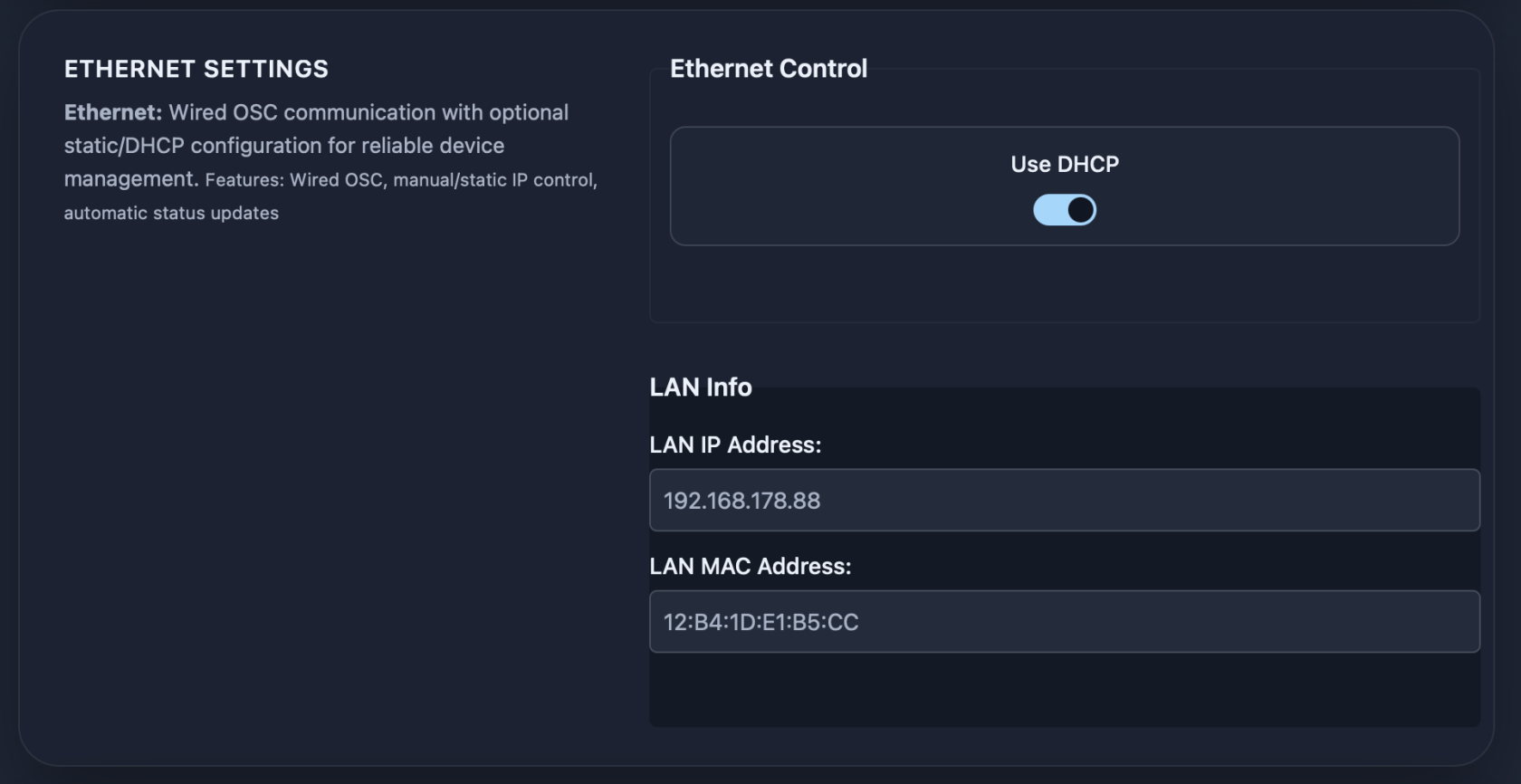
Ethernet Control
Here you can choose between DHCP (default setting) and a manual IP address. The corresponding settings will appear once DHCP is disabled.
LAN Info
Displays the current IP address and the device’s MAC address.
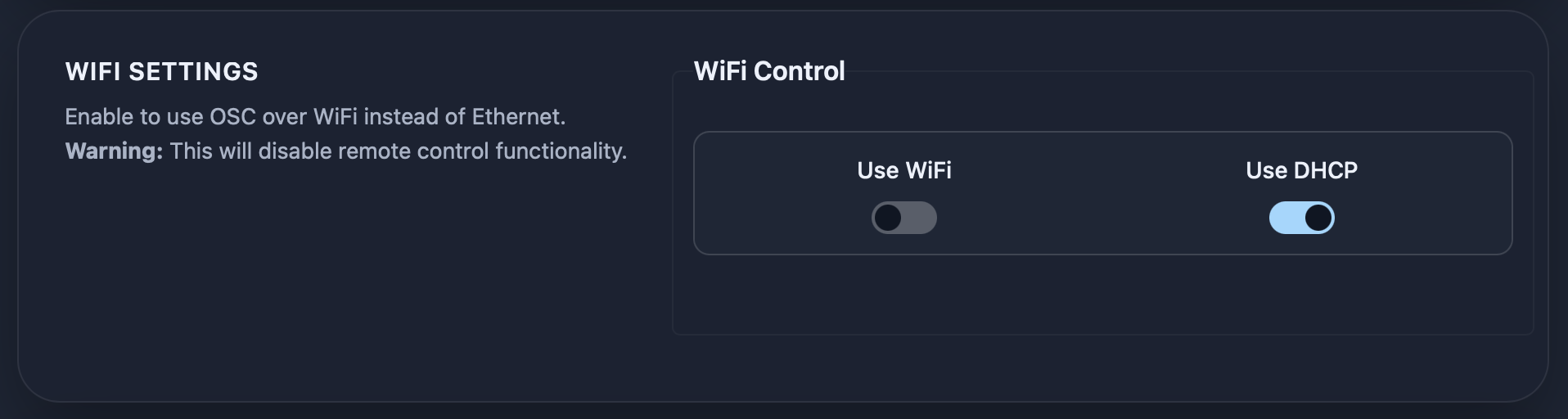
WiFi Control
Here you can optionally enable WiFi and choose between DHCP and a manual IP address.
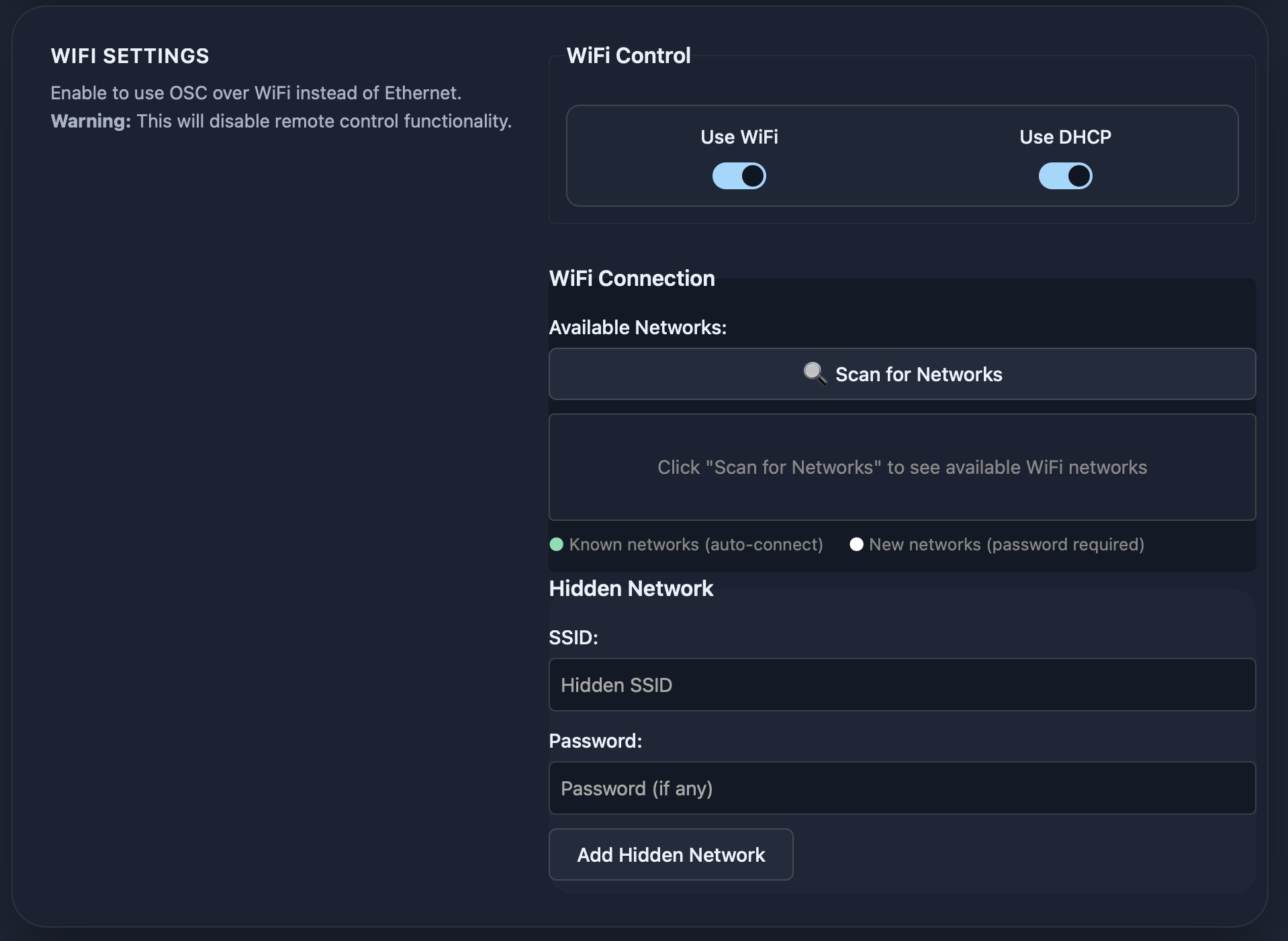
WiFi Connection
(Appears when Wifi is enabled)
Here you can scan for networks and connect to known networks. If the desired network has a hidden SSID, it can be entered in the corresponding fields under “Add Hidden Network.”
It is strongly recommended to change the default password for the access point. Clicking on the corresponding warning will open the related settings.
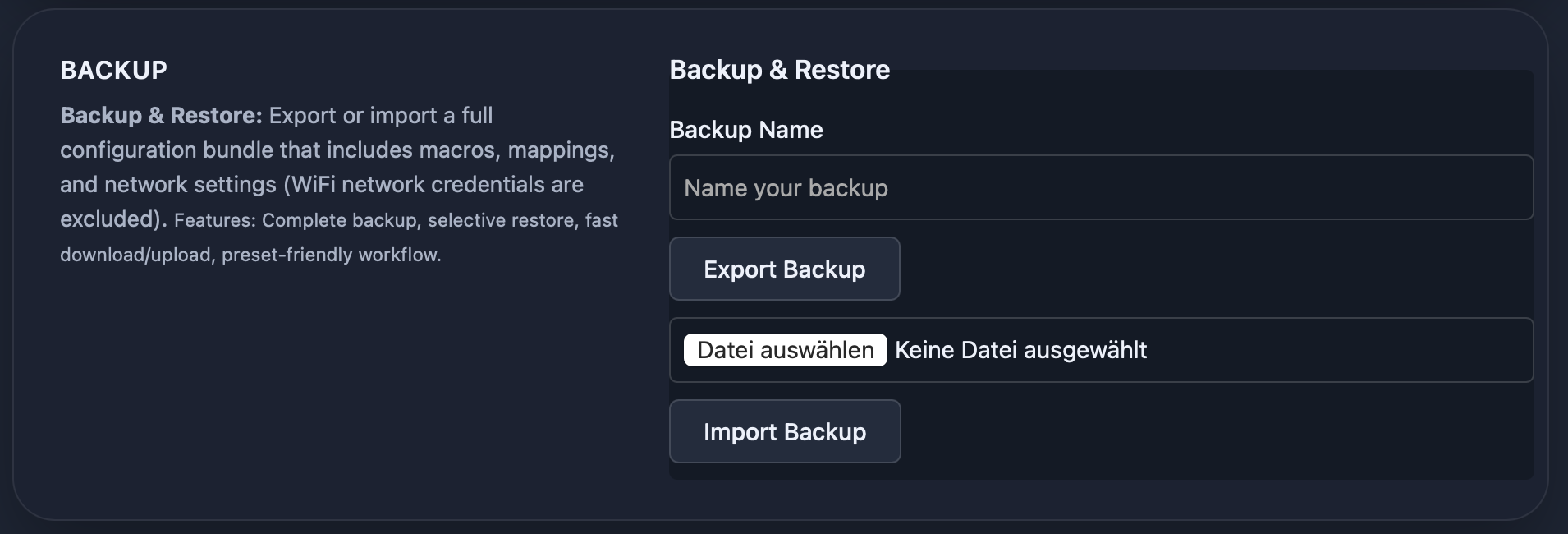
Backup
Here you can back up the entire device.