Manage
The FrenschPress features an extensive library system for plugins, targets, and custom-created macros.
Manage Network Targets

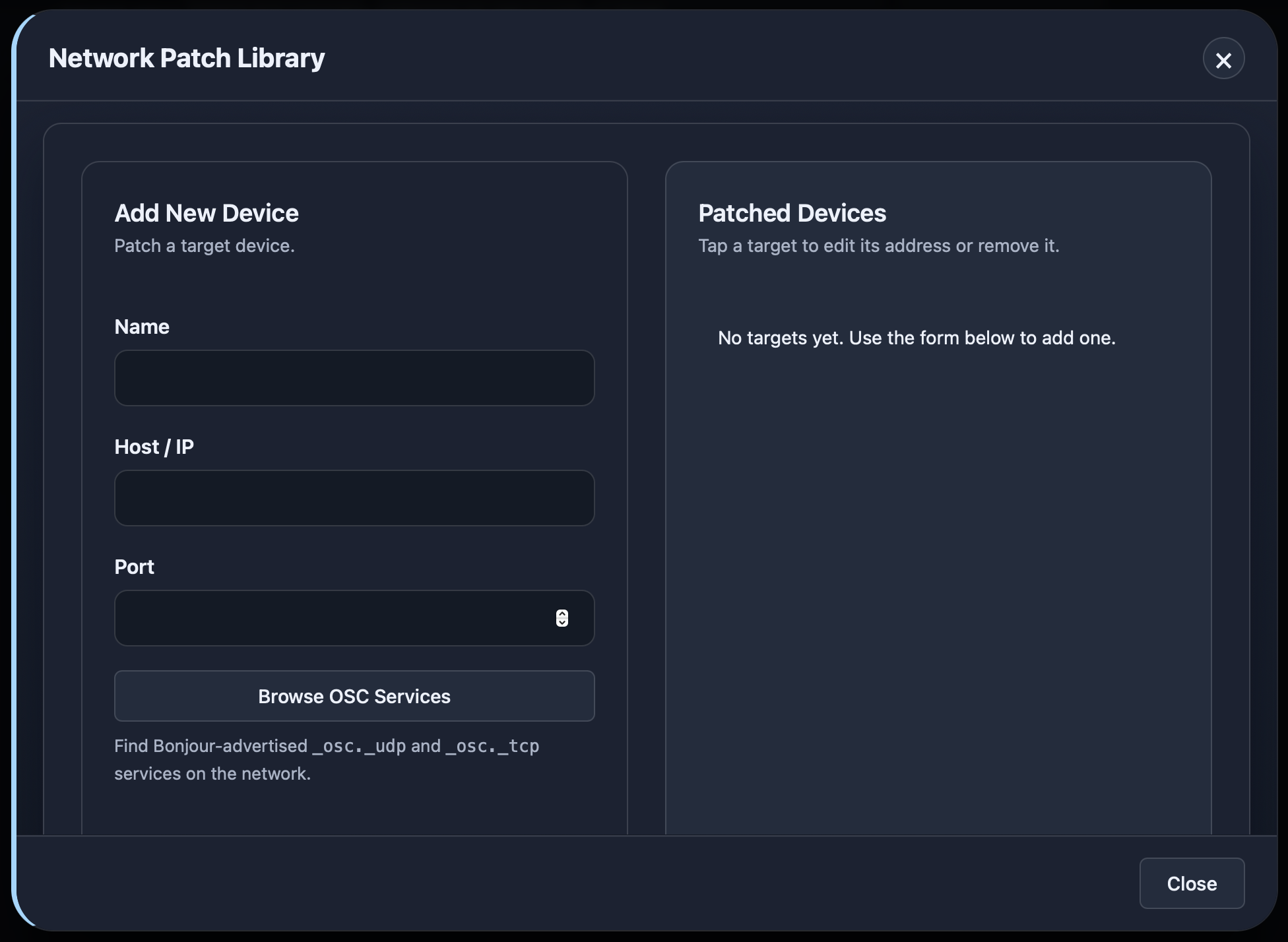
Here you can patch targets, similar to a fixture in a lighting console. The name can be chosen freely; please set the IP address and port according to the specifications of the target device.
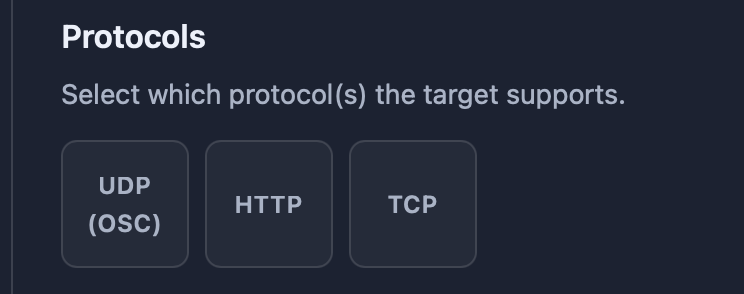
Now we choose which protocol is supported by the target:
Then configure the optional settings for QLab or GoButton, if it is such a system.
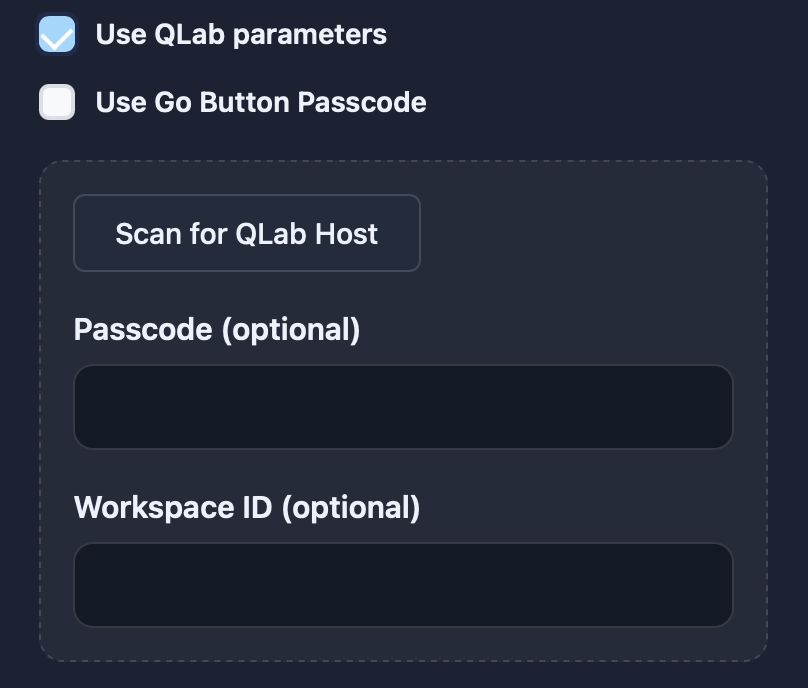
However, these systems can also be automatically discovered and patched via a scan.
With Add, we save the target and can now select it in any command we create.

Manage Plugins
Plugins can be installed and uninstalled here. They include command templates for a wide range of software and hardware, along with presets that can be easily loaded in Custom Mode.
It is also possible to create your own templates. Presets can be imported, exported, modified, or deleted.
Manage Network Targets
The device library is continuously expanding. If the device has internet access, the library can be updated directly.
Updates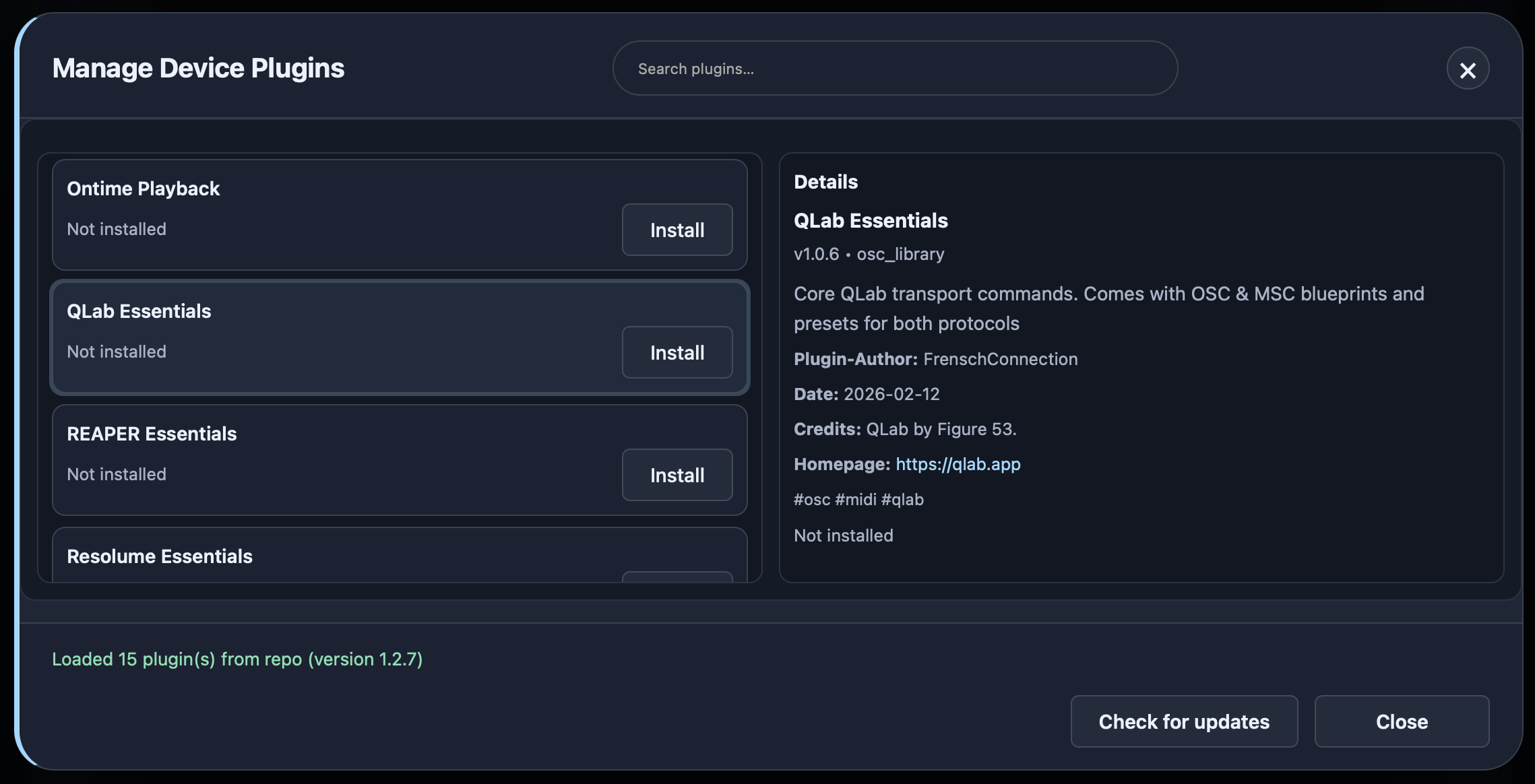
merged
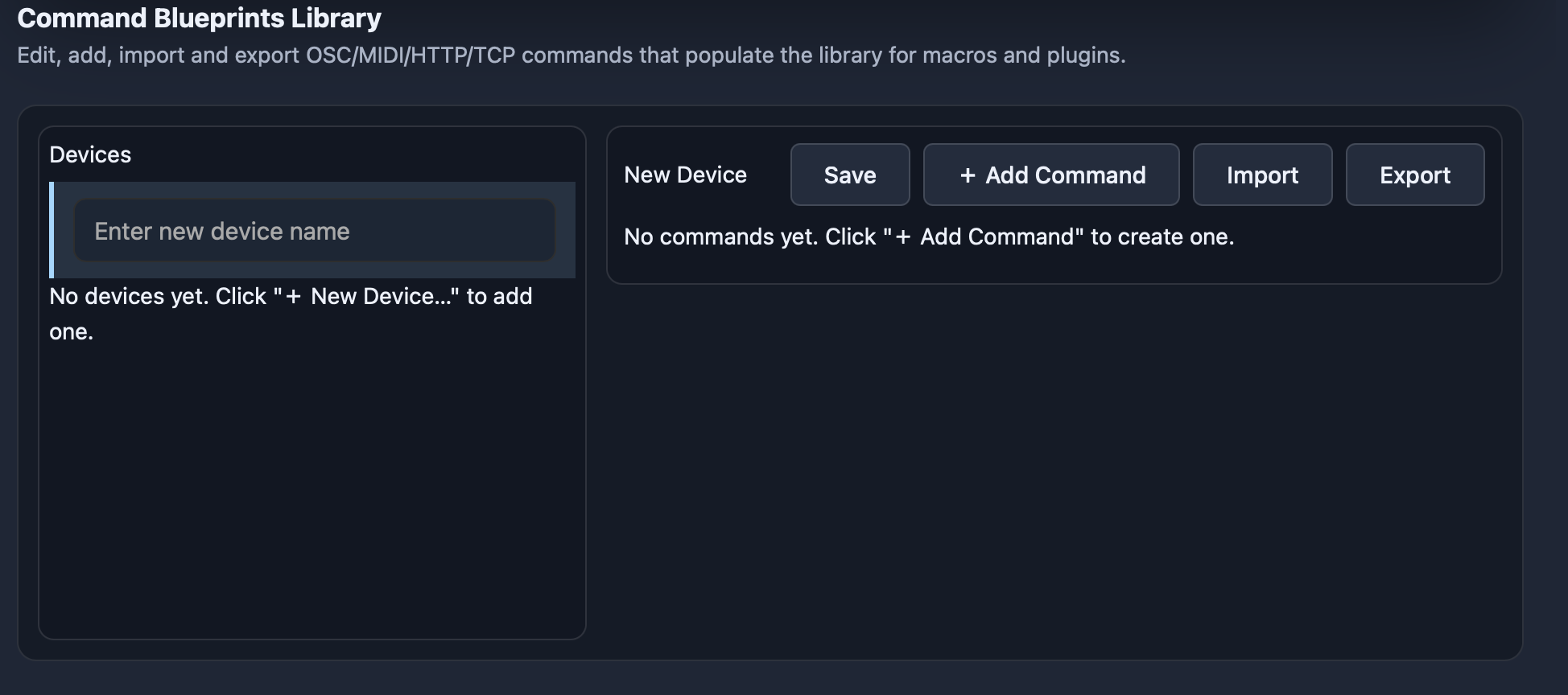
Blueprints Library
Here you can manage, create, and edit command templates. These templates can then be selected in Custom Mode.
Commands can be exported and imported, allowing them to be shared between devices.